
It works with every app.
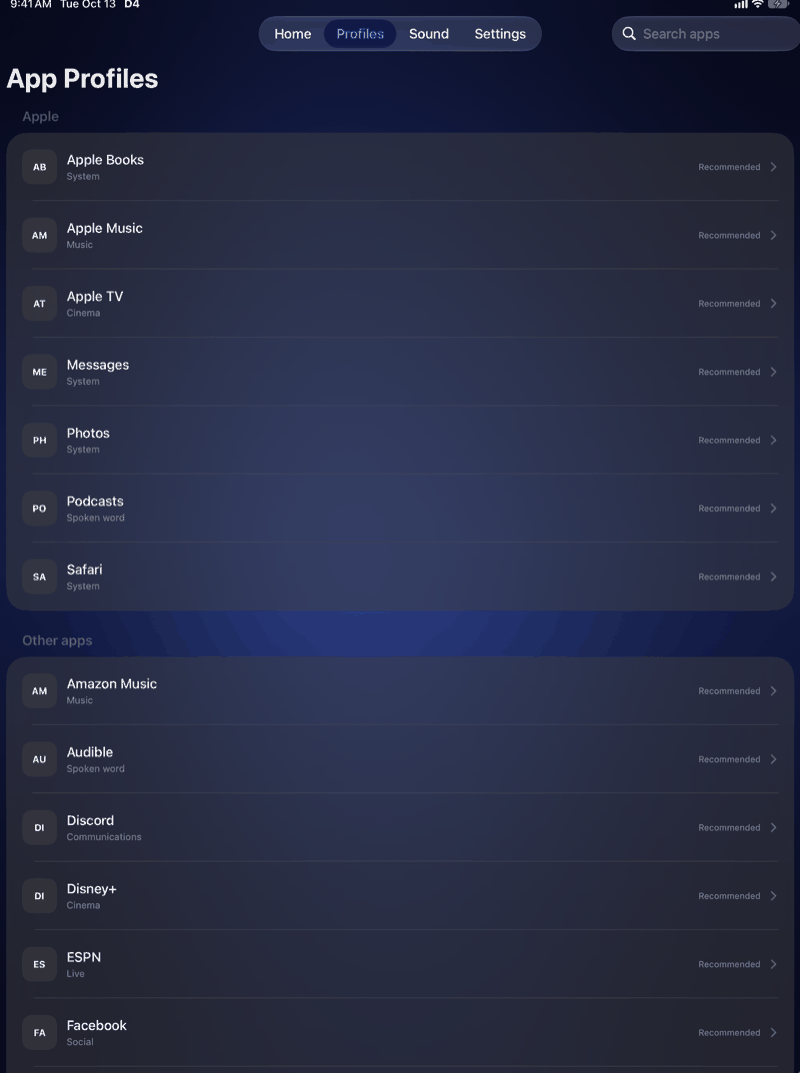
Spotify, YouTube, Apple Music, Netflix, podcasts, voice notes: D4 enhances whatever is playing. Nothing to import, nothing to re-buy.
For iPhone and iPad · iOS 27
D4 sits between your apps and the speaker. Music, podcasts and video sound fuller, clearer and closer. No headphones, no account, and your audio never leaves the phone.
One-time purchase. Works with every app that plays sound.
Spotify, YouTube, Apple Music, Netflix, podcasts, voice notes: D4 enhances whatever is playing. Nothing to import, nothing to re-buy.
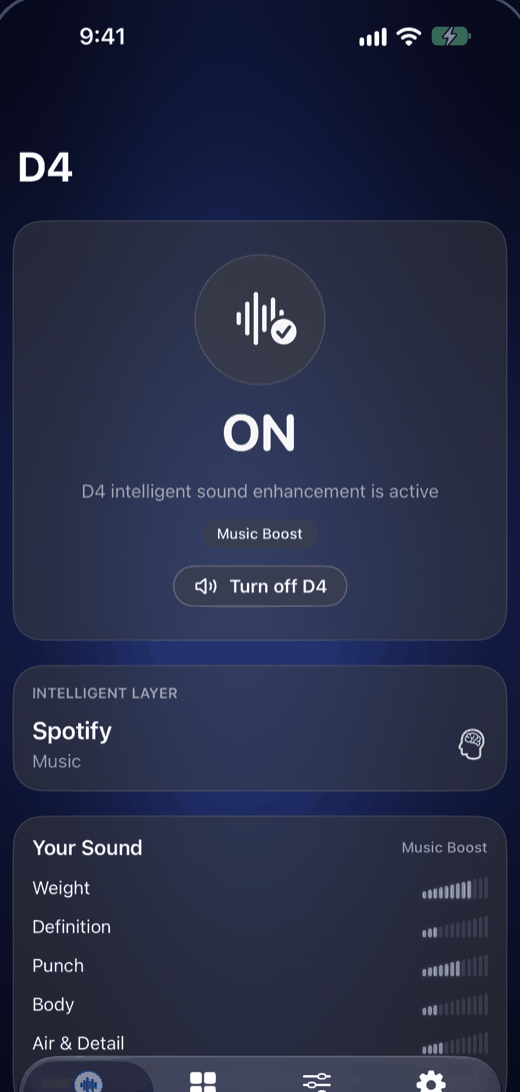
D4 hears whether it's a voice, a song or a film and picks the right mode on its own. Pick a mode yourself and it stays.
All processing happens on the device. No account, no servers, no analytics, no microphone. The privacy policy is one page because there is nothing to disclose.
Open D4 and tap Turn on D4.
Pick it in the output list, the same list you use for AirPlay.
Go back to your app. The green D4 is ON confirms it. Turn it off any time and the sound returns to the plain speaker.
D4 stays in the background while you listen. iOS keeps its checkmark on iPhone Speaker; that is normal.
Every mode is tuned for the physics of a phone speaker, not copied from a hi-fi preset.
Podcasts, YouTube, audiobooks. Words come forward.
Apple Music, Spotify. Fuller, wider, warmer.
EDM, hip-hop, pop. Bass the small speaker was never meant to have.
A safe daily driver for everything.
Quiet listening. Clear at low volume, no sudden peaks.
Apple TV, Netflix. Dialogue up front, room around it.
D4 has no server to send anything to. It never records, never listens through the microphone, and never knows what you are playing beyond the shape of the sound passing through it for a few milliseconds. We can't see your data because we never built a way to.
Also on iPad.
We kept turning the phone up and hearing less. Thin voices, no bass, that harsh edge when it gets loud. Headphones aren't always the answer: cooking, a shower, a kid's cartoon on the kitchen table. So we built the thing we wanted: one tap, every app, better sound, nothing sent anywhere.
Carlos Dente, founder, Fort Mill Ventures
iPhone and iPad, iOS 27 or later. One-time purchase.